Use the assigned address
Open the workspace URL supplied by your IT team, school, healthcare provider, or business. Search results and third-party pages cannot determine the correct private address for you.
Open the secure workspace supplied by your organization and reach authorized virtual apps, desktops, web services, and files from one familiar interface.
Independent fan-made educational resource. We are not Citrix and do not operate your employer's sign-in service. Read our terms.
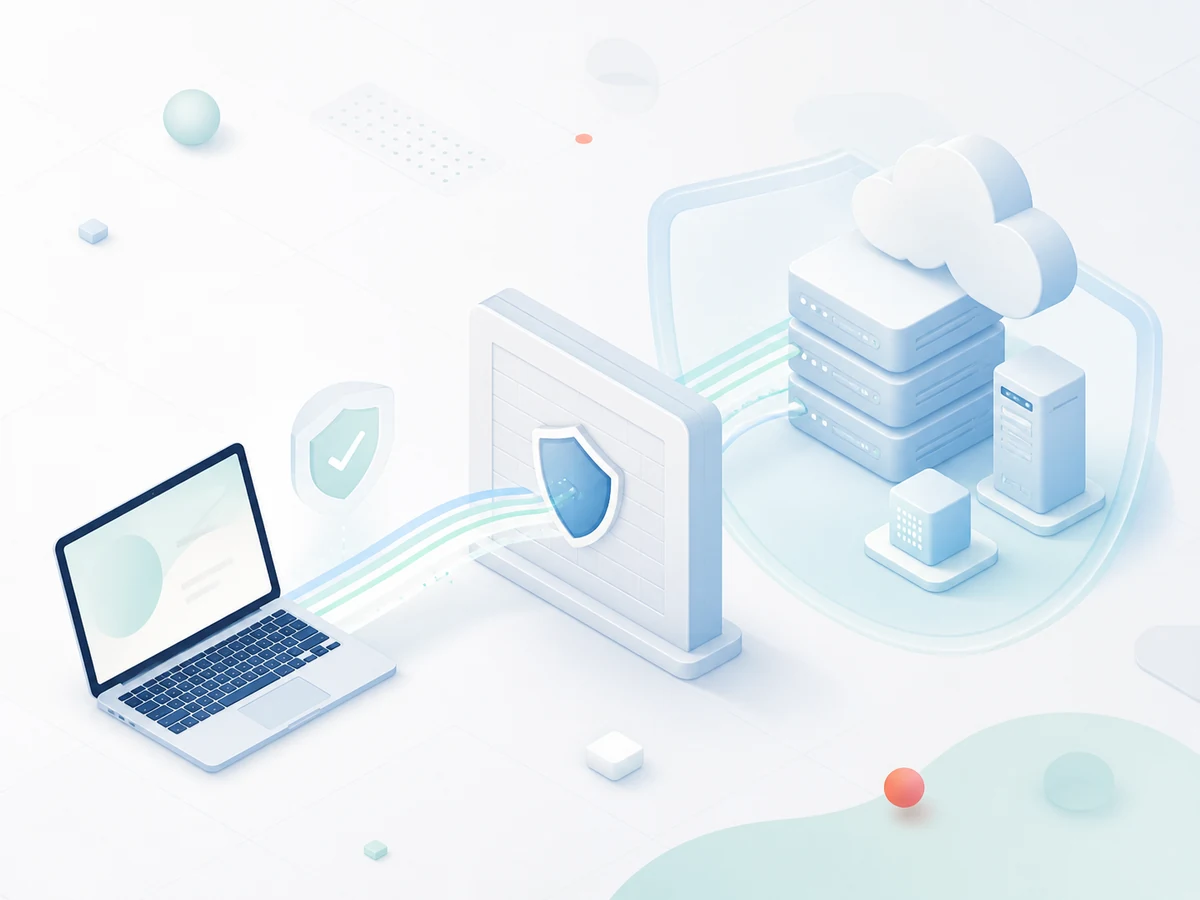
Citrix Workspace ver15 mod12 is the access layer, while your organization controls the account, workspace address, applications, security policy, and support process.
Open the workspace URL supplied by your IT team, school, healthcare provider, or business. Search results and third-party pages cannot determine the correct private address for you.
Enter only organization-issued credentials and complete the expected multifactor prompt. Stop if the domain, certificate, or approval request looks unfamiliar.
After authentication, the storefront displays only the apps, desktops, and files assigned to your account. Availability can differ by role, location, and device compliance.
Each stage confirms a different part of a trusted connection.
Navigate to the approved portal or add that address in the Workspace app.
Submit your managed account and approve the expected second factor.
The service evaluates policy and presents the applications available to you.
The selected desktop or app opens using the connection method defined by IT.
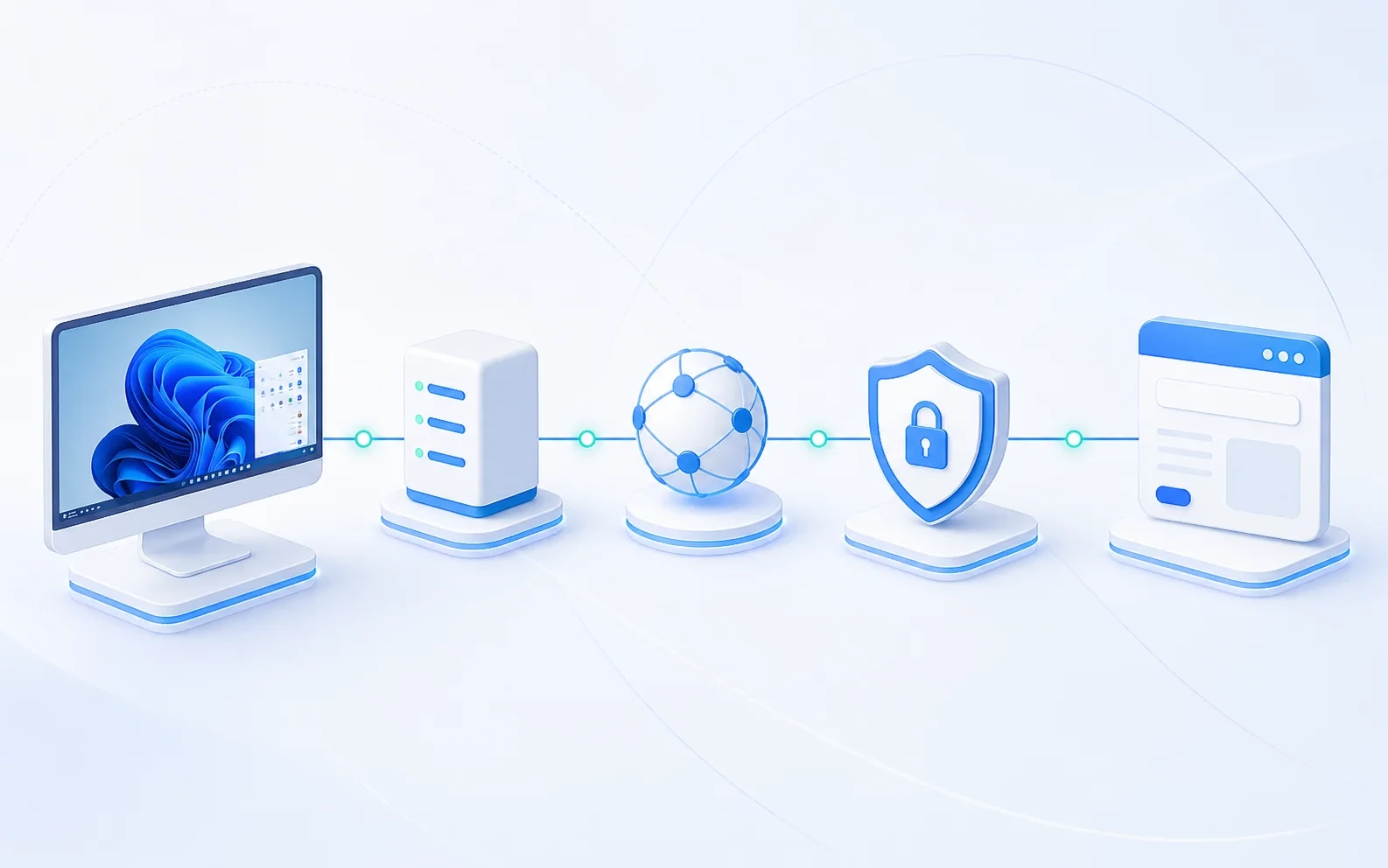
Citrix Workspace provides a consistent front door to resources hosted in a data center, private cloud, public cloud, or mixed environment. Depending on the organization's design, the same interface can expose virtual Windows desktops, individual business applications, browser-based services, and shared files without placing each resource directly on the public internet.
The visible icon is only the beginning. Identity services verify the account, policies evaluate access, gateways protect remote traffic, and session infrastructure runs the selected workload. Device posture, network conditions, licensing, maintenance, and resource capacity may all affect what appears and how quickly it starts.
This website does not collect Citrix credentials and cannot log users into private organizations. For a real citrix workspace login, follow the link supplied by the organization that created your account.
Citrix Workspace is strongest when an organization wants one governed experience across multiple types of business resources.
| Decision point | Citrix Workspace | Traditional VPN | Direct web bookmarks |
|---|---|---|---|
| User experience | One organized catalog for assigned apps and desktops | Connect first, then find resources separately | Different sign-in and URL for each service |
| Application delivery | Publishes full desktops and individual applications | Provides network reachability, not an app catalog | Limited to browser-ready applications |
| Data location | Work can remain inside the managed session | Depends on each application and endpoint | Varies across individual sites |
| Policy control | Central rules can follow identity and context | Often grants broader network-level access | Policy is managed service by service |
| Best fit | A unified, centrally operated digital workspace | General private-network connectivity | A few standalone web tools |
Your legitimate citrix login portal is the address communicated by your organization. It may use a company domain, a managed gateway address, or a branded cloud workspace. Bookmark that verified address instead of relying on advertisements or unofficial search results.
Before typing a password, inspect the hostname and browser security indicator. A familiar logo alone proves nothing because page designs can be copied. Unexpected redirects, spelling variations, certificate warnings, unusual file downloads, or MFA prompts you did not initiate are reasons to stop and contact support through a known channel.
A citrix workspace login portal may behave differently on a managed computer and a personal device. Your organization can require a supported browser, the Workspace app, endpoint checks, or a specific authentication method. These controls are set locally; an independent website cannot override or diagnose every policy.
If sign-in succeeds but an icon is missing, record the account used, time, expected resource, device, and location. If an app launches but disconnects, note the exact message and whether other resources work. Clear observations let a service desk separate identity, entitlement, storefront, gateway, session host, and network problems.
Never post screenshots containing usernames, company addresses, session identifiers, or internal system names on public forums. Share diagnostic details only through your organization's approved support route.
“My accounting tools and virtual desktop appear in one list, so I spend less time hunting for separate links.”

“The sign-in checklist helped our remote team describe access problems without sharing sensitive information.”

“Knowing the difference between authentication and entitlement makes support calls much faster.”